<---- Back Home
- Figure out what your Android is
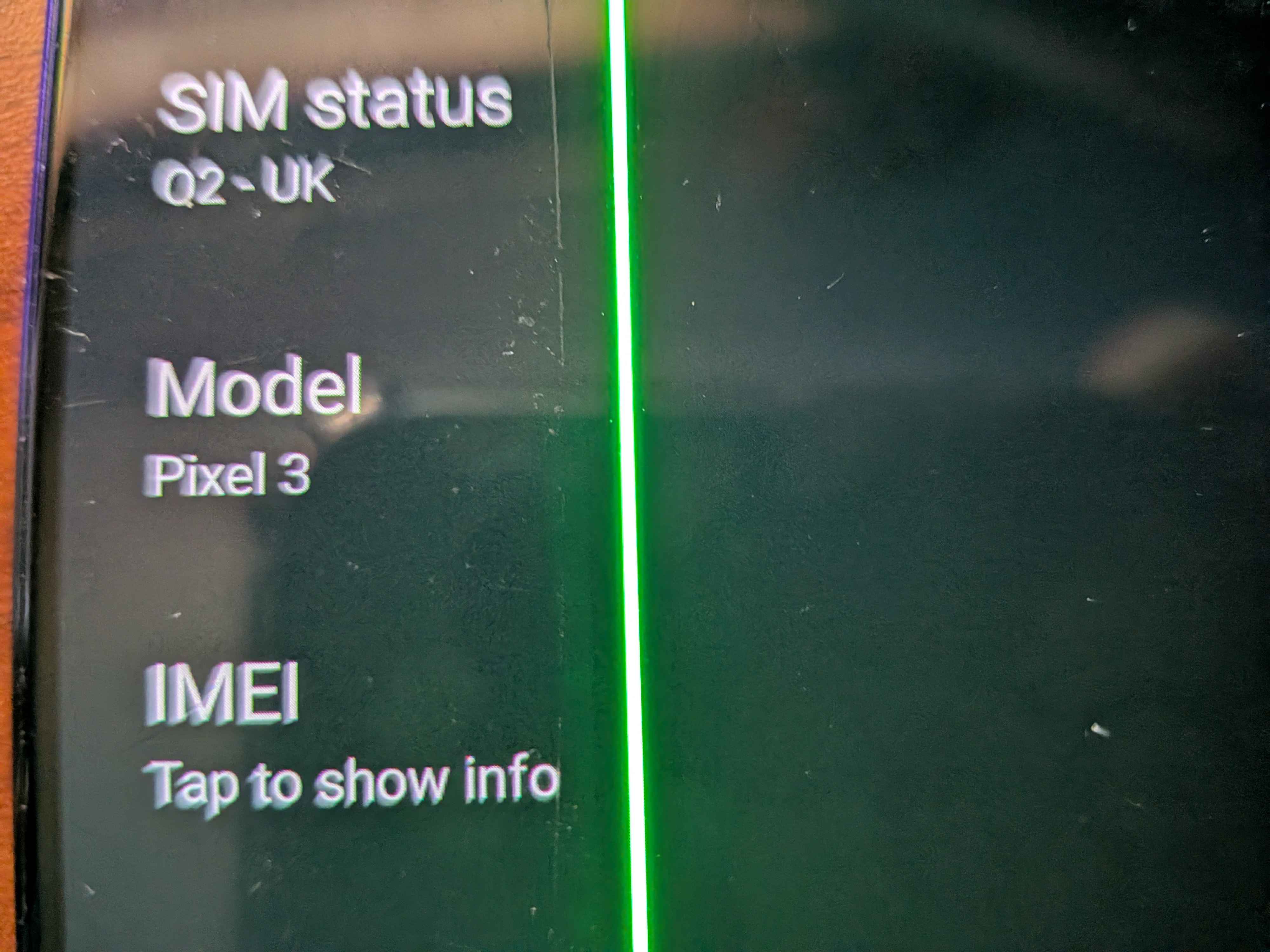
Knowing what model phone you have is extremely important, even subtle differences between one phone and another can lock your phone down to the OEM version, making you unable to carry out the rest of the steps
Go to Settings => About Phone => and check the Model of the phone you have
- NOW, check if you can oem unlock your phone, if you can't, you're screwed again, this is usually because your phone provider locks it down, however, i've had good luck using EE
Settings => About Phone => Tap the build number 5 times to unlock developer mode
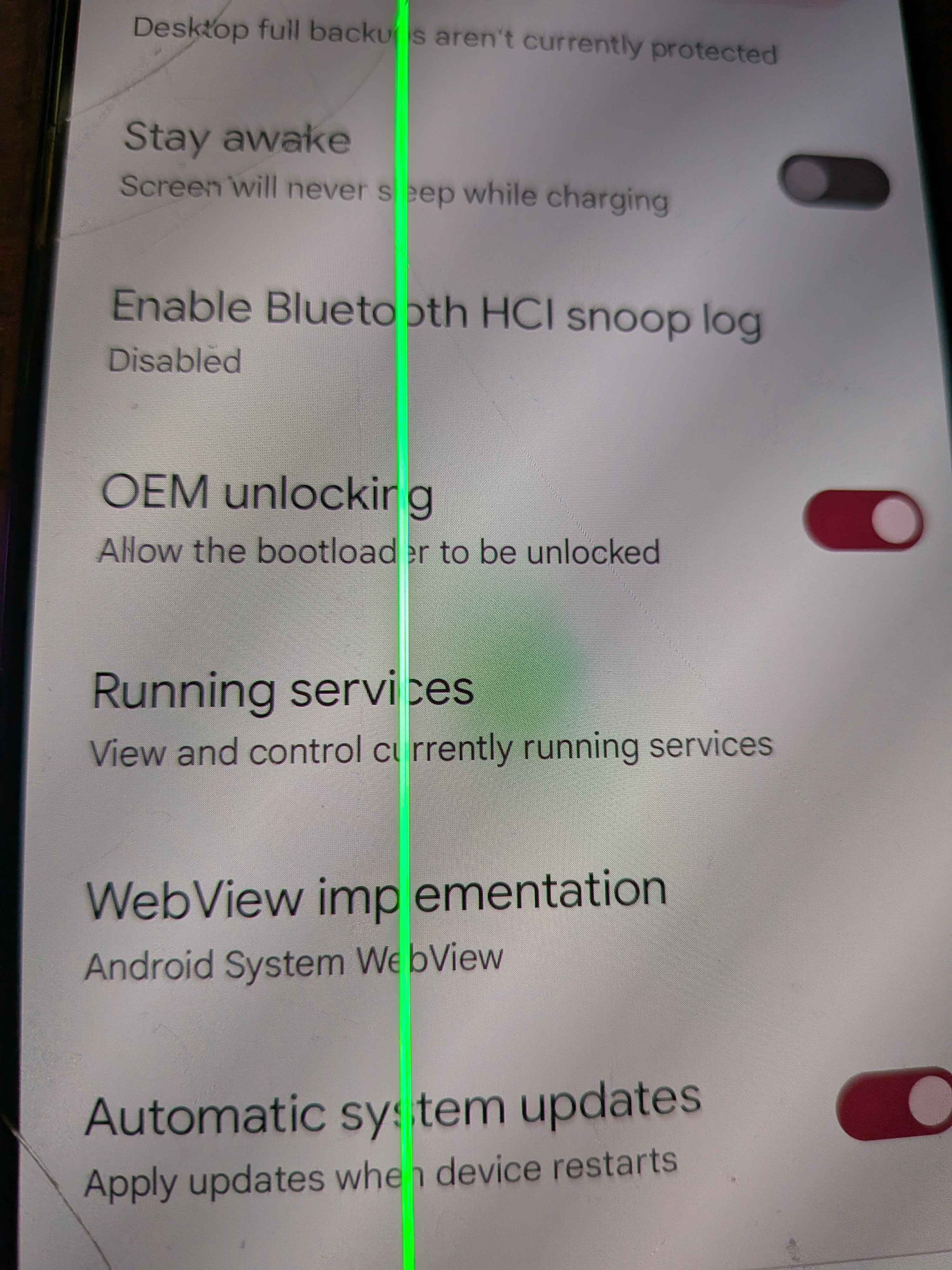
Now, go to Settings => System => Developer Options => And check your OEM unlock status
If you CAN enable it, click on the enable button
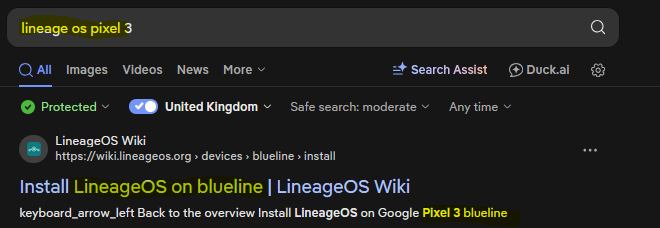
- And then type the model name + some form of "lineage os" or "custom rom" into your FAVOURITE search engine
.....and hopefully youll see
but.. if you dont! don't worry! check the XDA forums, I will be doing this for my phone (pixel 3) because it's very old heh, but if your phone doesn't show up at all, do check
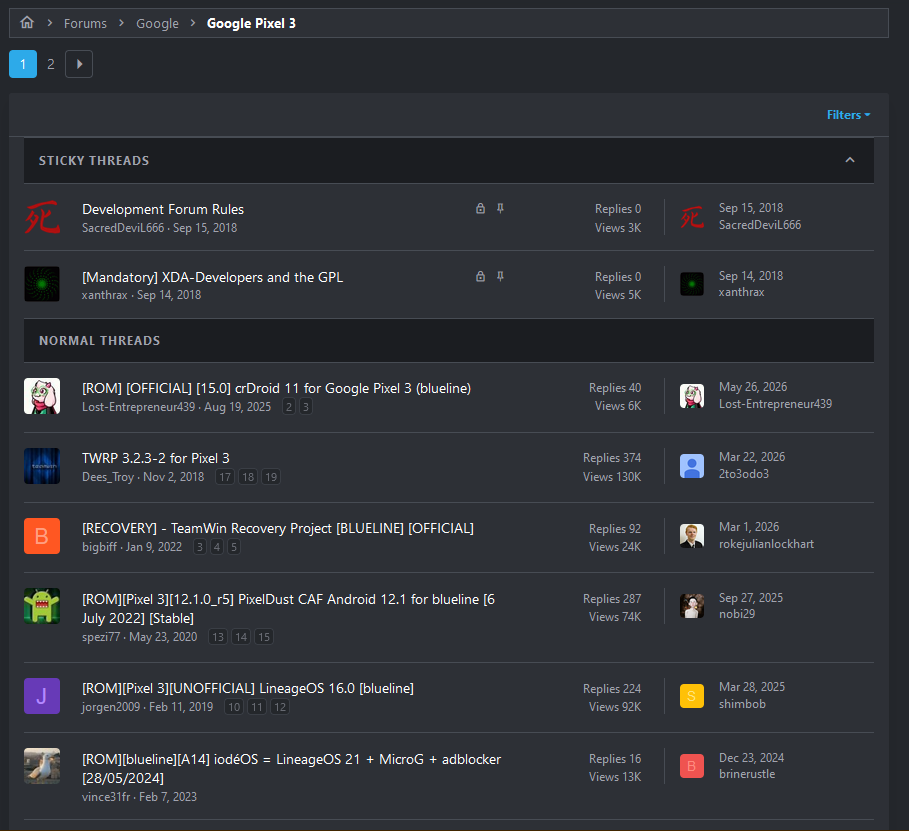
it should probably be said, don't trust everything you see? if you're here you should know that, but still
- Now, download all of the files needed for your custom rom to install, and also your OEMs usb drivers, adb, fastboot (if you're on linux this is sometimes a seperate package).
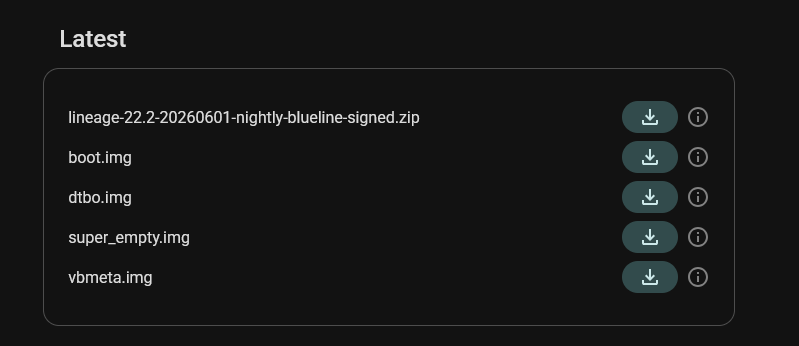
if your phone doesn't have a boot.img, or another form of recovery, then find out if your device has a twrp image.
- Now at this point, you can follow the guide of your custom rom, however, for general purposes, ill be explaining a general way to install custom roms
ALSO, BACK UP IMPORTANT DATA, I AM NOT RESPONSIBLE FOR YOUR PHONE BRICK or DATA LOSS:
- Enable USB Debugging, and then if it asks, Allow USB debugging
- First start of by running
adb devices to ensure the device is initialised, adb reboot bootloader to reboot into fastboot, and then fastboot flashing unlock to unlock the bootloader.
UNLOCKING THE BOOTLOADER WILL WIPE ALL DATA
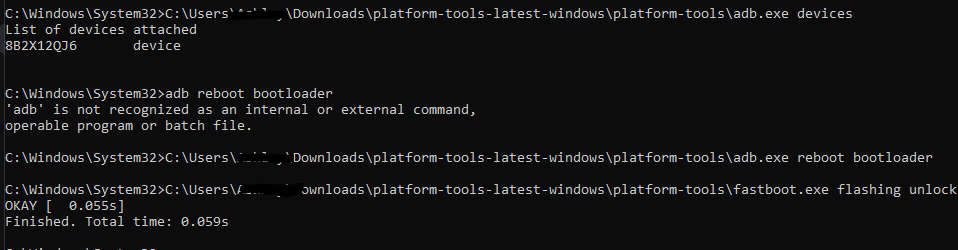
- reboot the device, and re enable usb debugging, and then reboot back into the bootloader
once you have done that, flash your custom recovery with fastboot flash boot boot.img for devices that have a boot.img file, OR, fastboot flash recovery recovery.img if your device has a recovery partition

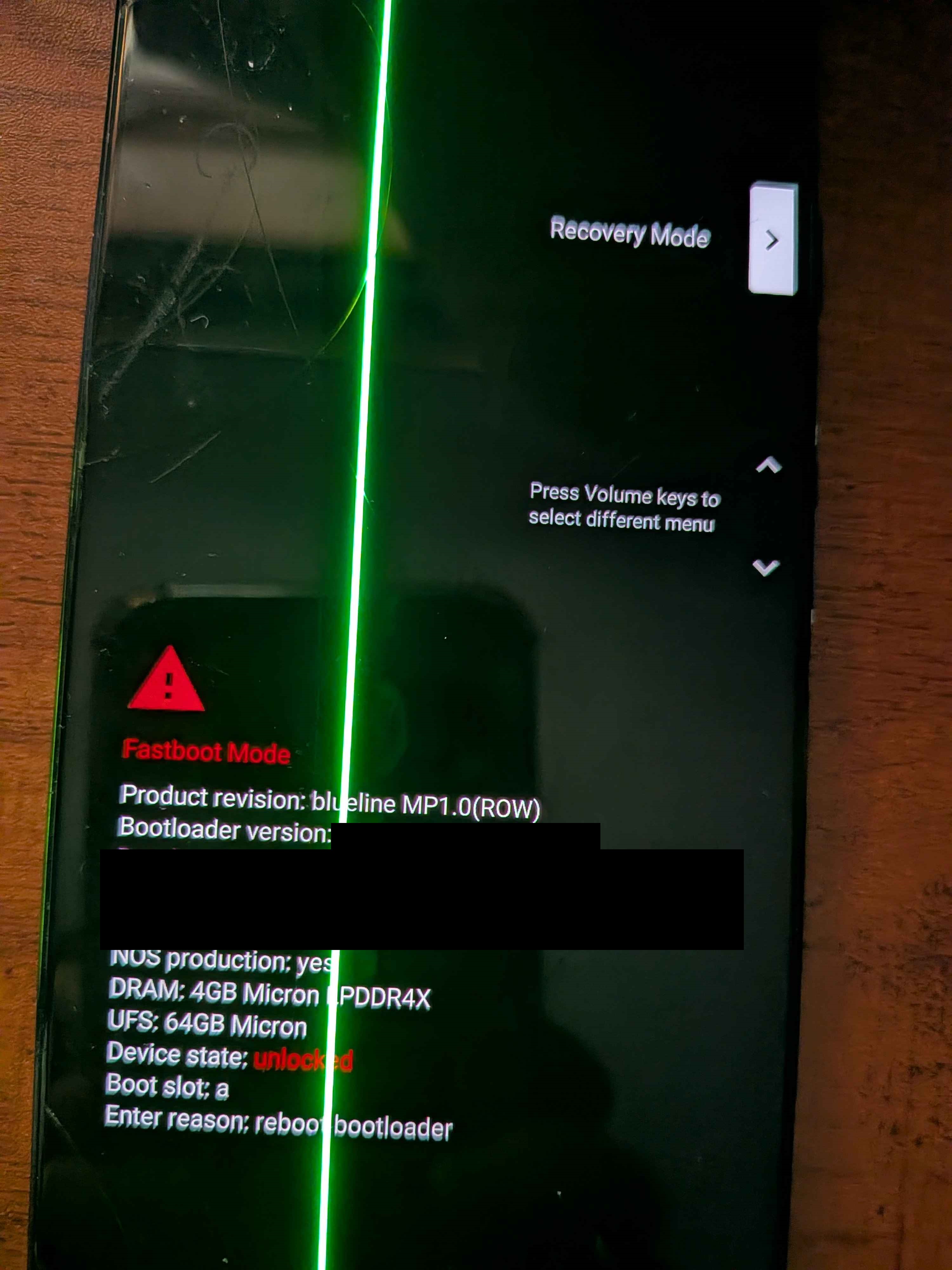

- once u done that, wipe all the data from the phone, in this case "factory reset", and then, enable adb sideload mode, and then run
adb -d sideload /path/to/zip
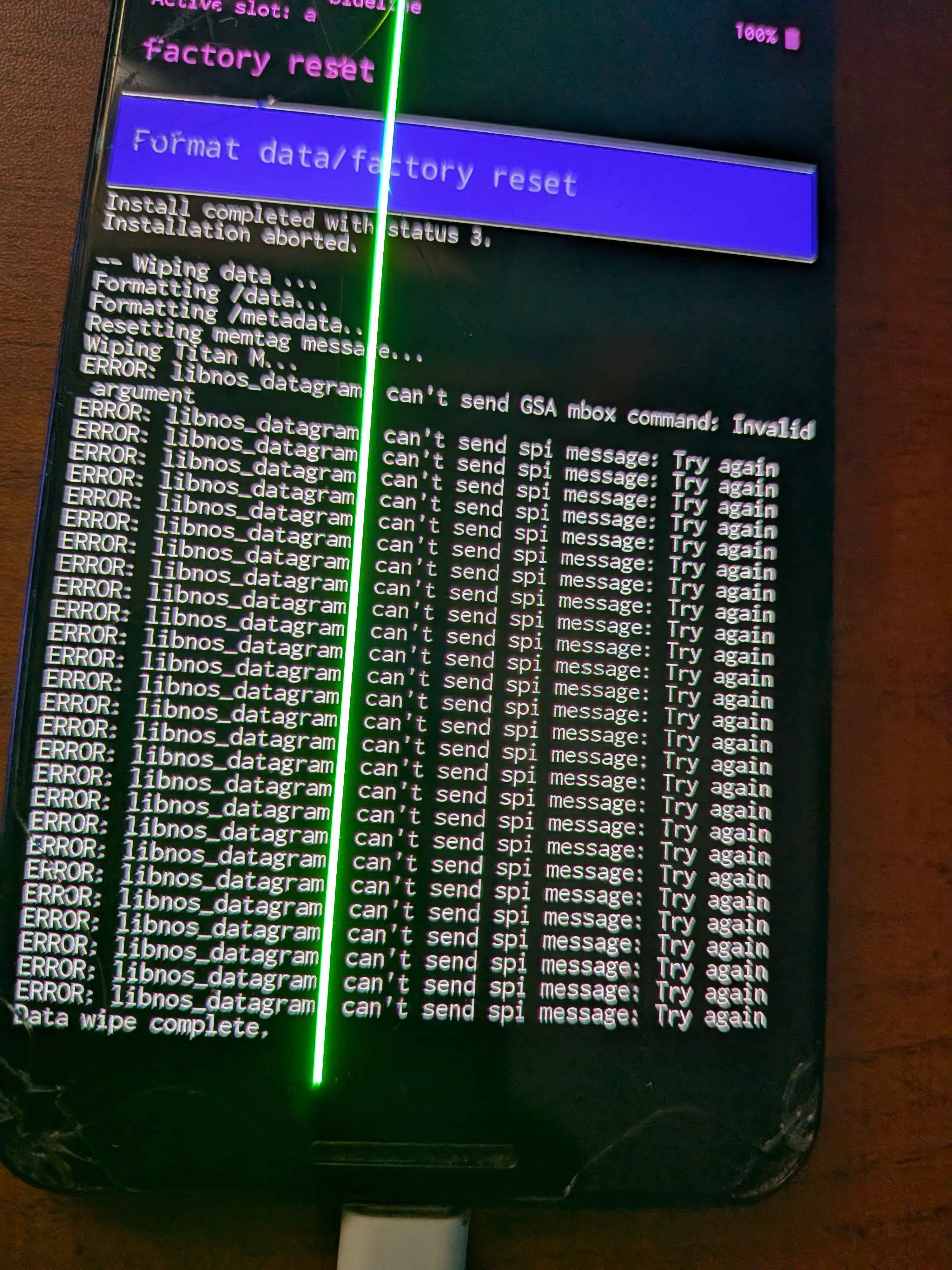
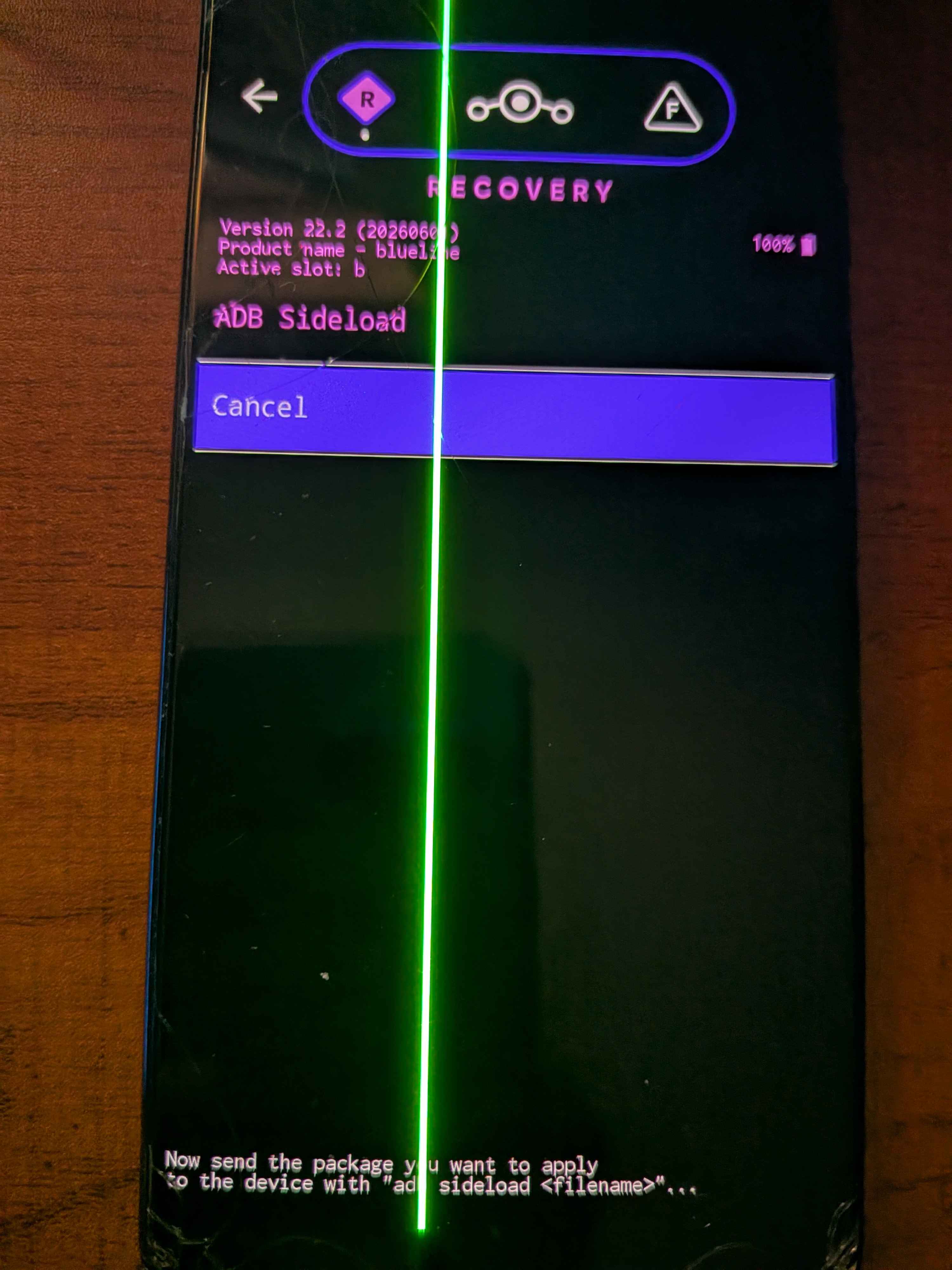

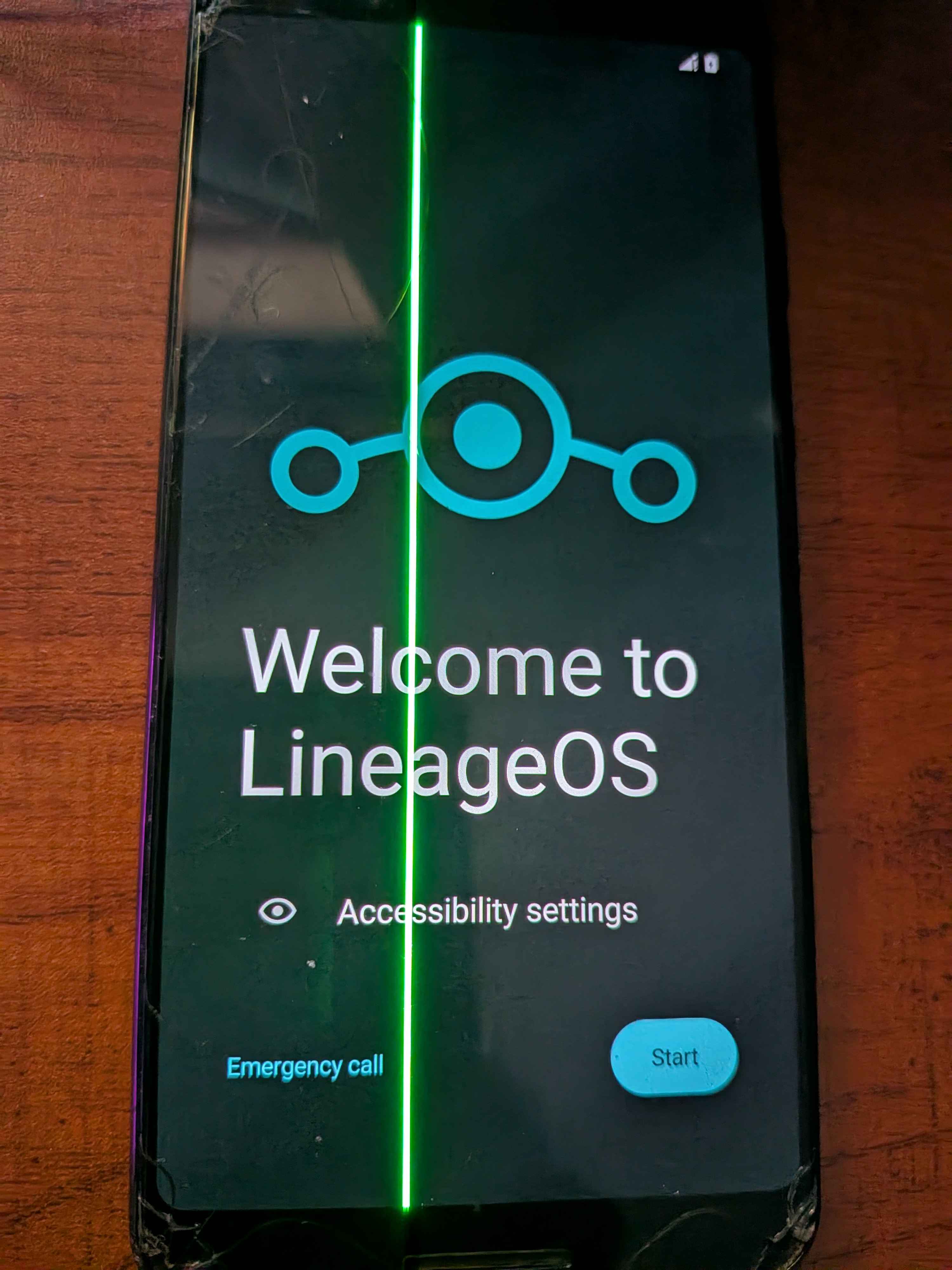
if that goes successfully, you now have a custom rom on your phone!
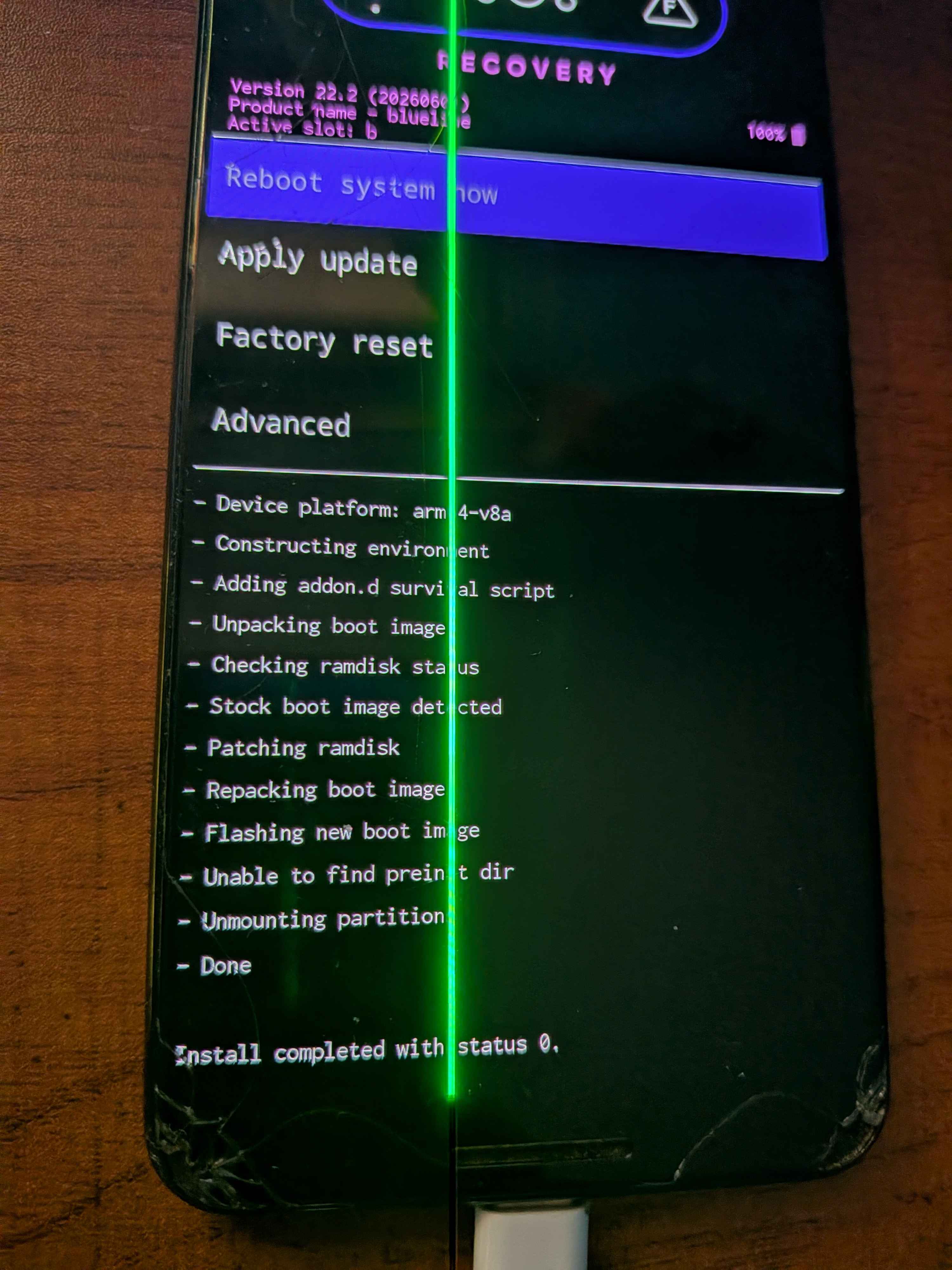
you can also sideload stuff such as magisk and g-apps, magisk allowing your phone to be rooted,
and g-apps restoring google play functionality, although things such as microG is a suitable replacement (should be noted you don't have to sideload microG)
Knowing what model phone you have is extremely important, even subtle differences between one phone and another can lock your phone down to the OEM version, making you unable to carry out the rest of the steps
Go to Settings => About Phone => and check the Model of the phone you have
Settings => About Phone => Tap the build number 5 times to unlock developer mode
Now, go to Settings => System => Developer Options => And check your OEM unlock status
If you CAN enable it, click on the enable button
.....and hopefully youll see
but.. if you dont! don't worry! check the XDA forums, I will be doing this for my phone (pixel 3) because it's very old heh, but if your phone doesn't show up at all, do check
it should probably be said, don't trust everything you see? if you're here you should know that, but still
if your phone doesn't have a boot.img, or another form of recovery, then find out if your device has a twrp image.
ALSO, BACK UP IMPORTANT DATA, I AM NOT RESPONSIBLE FOR YOUR PHONE BRICK or DATA LOSS:
adb devices to ensure the device is initialised, adb reboot bootloader to reboot into fastboot, and then fastboot flashing unlock to unlock the bootloader.
UNLOCKING THE BOOTLOADER WILL WIPE ALL DATA
once you have done that, flash your custom recovery with
fastboot flash boot boot.img for devices that have a boot.img file, OR, fastboot flash recovery recovery.img if your device has a recovery partition
adb -d sideload /path/to/zip
if that goes successfully, you now have a custom rom on your phone!
you can also sideload stuff such as magisk and g-apps, magisk allowing your phone to be rooted,
and g-apps restoring google play functionality, although things such as microG is a suitable replacement (should be noted you don't have to sideload microG)